

OBDAI 3.0 • YOUR AI CAR COMPANION

Car stumbling today?
Make the next drive count.

OBDAI Ultra works with Windows J2534-compatible interfaces. Describe the problem. ARIA selects the readings, follows the evidence and directs the next test through your J2534 VCI on Windows.

  1. 1Get your key
  2. 2Install the app
  3. 3Pick J2534 and start diagnosing
  • 10 deep diagnoses a month.Send ARIA deeper into service information and test procedures for a sourced report on the problem you are solving.
  • More follow-through on every test.Up to 10 watches and check-ins at once, with 40 automatic follow-ups per session and 600 per month.
  • One license for your Windows PCs.Move your J2534 seat between the machines you own, whenever you need to.
  • Your GEN2 wireless adapter is included.Use your VCI at the bench and GEN2 with your phone or tablet on the road. Everything in Pro comes with Ultra.
  • Ready for upcoming OEM parameters.Some upcoming manufacturer-specific parameters will require a compatible J2534 interface. Others will also be available through GEN2.

OBDAI implements the J2534 04.04 and 05.00 standards across manufacturers. Install your interface manufacturer’s Windows J2534 driver. VCI and Windows PC are not included. One active Windows J2534 seat at a time. Watches and check-ins run while the app is open and connected; ARIA needs internet.

4.5 Google Play
4.1 App Store
4.5 Microsoft Store
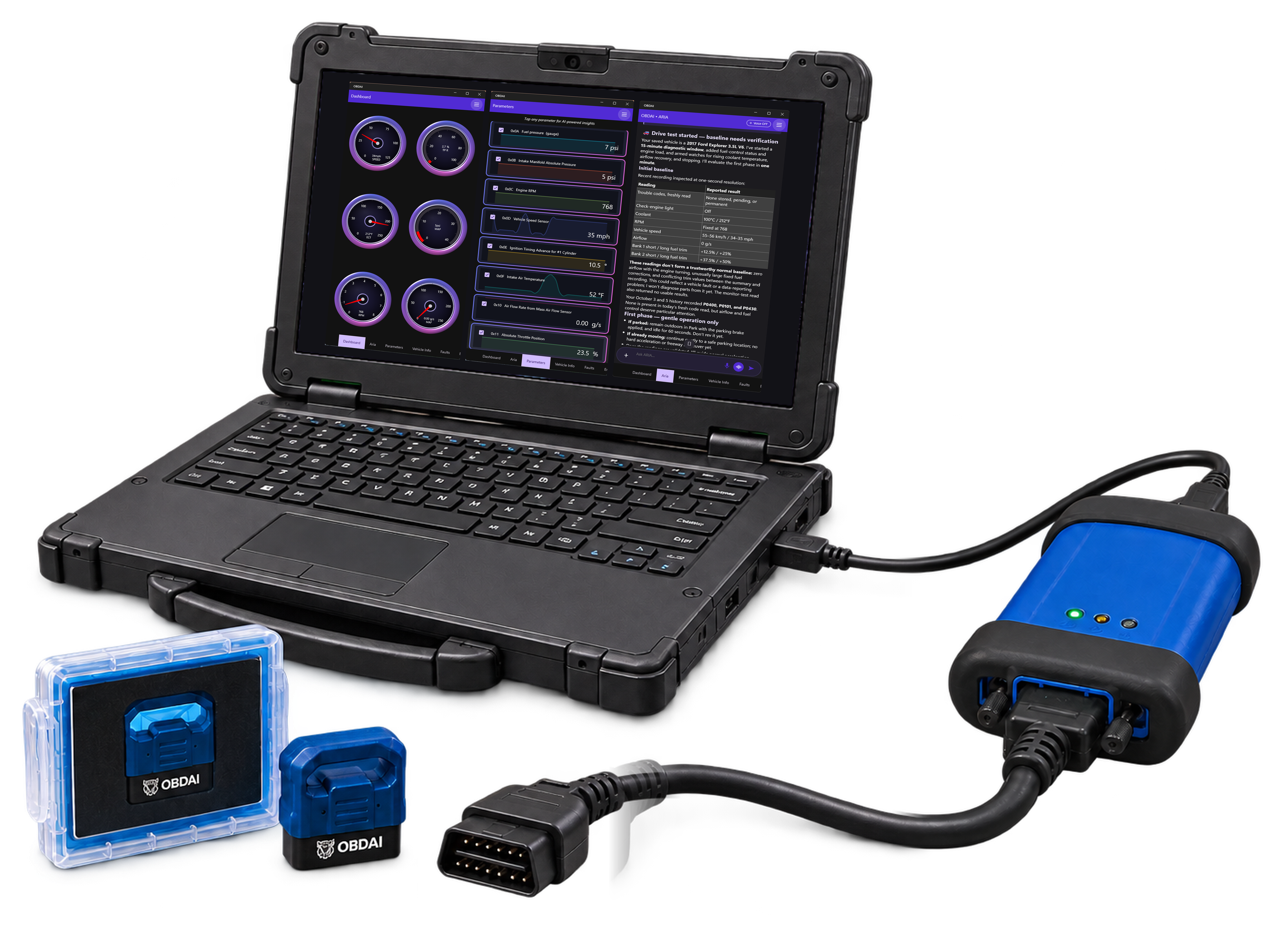
OBDAI Ultra: a Windows laptop running OBDAI's live gauges, live graphs and ARIA, connected by USB to a J2534 VCI with its OBD-II cable, beside the included OBDAI GEN2 wireless adapter. The VCI and Windows PC are not included.

Who else runs OBDAI?

400+ automotive professionals—and counting.

Join automotive professionals in independent shops and dealership bays across the U.S. and beyond.

45U.S. states18countriesUpdated September 19, 2026
“We have tried it and she hasn’t been wrong yet. Easy to use and even talks you through it. So far she’s a keeper!”
Harley Bartholomew Facebook · Sept 13, 2026
See the community →
Map of OBDAI customers across the United StatesOBDAI community mapSee the community →

The 5 Pillars of Automotive AI

See ARIA Diagnose With OBDonUDS

How a diagnosis actually happens

A code is where most scanners finish.
It’s where ARIA starts.

Six things have to happen between a warning light and a repair you can stand behind. ARIA does all six. You drive — she runs the diagnosis.

01

Reads the vehicle’s own test results

ARIA pulls the Mode 6 Monitor Tests — the tests each computer already ran on itself — and reads every measured result against that manufacturer’s pass/fail limits. No invented health score.

02

Reconstructs the moment it failed

From freeze frame she rebuilds the exact conditions the instant the code set — RPM, calculated load, coolant temperature, fuel trims, speed — and reasons from what the vehicle was doing, not from the code alone.

03

Runs the road test and watches it live

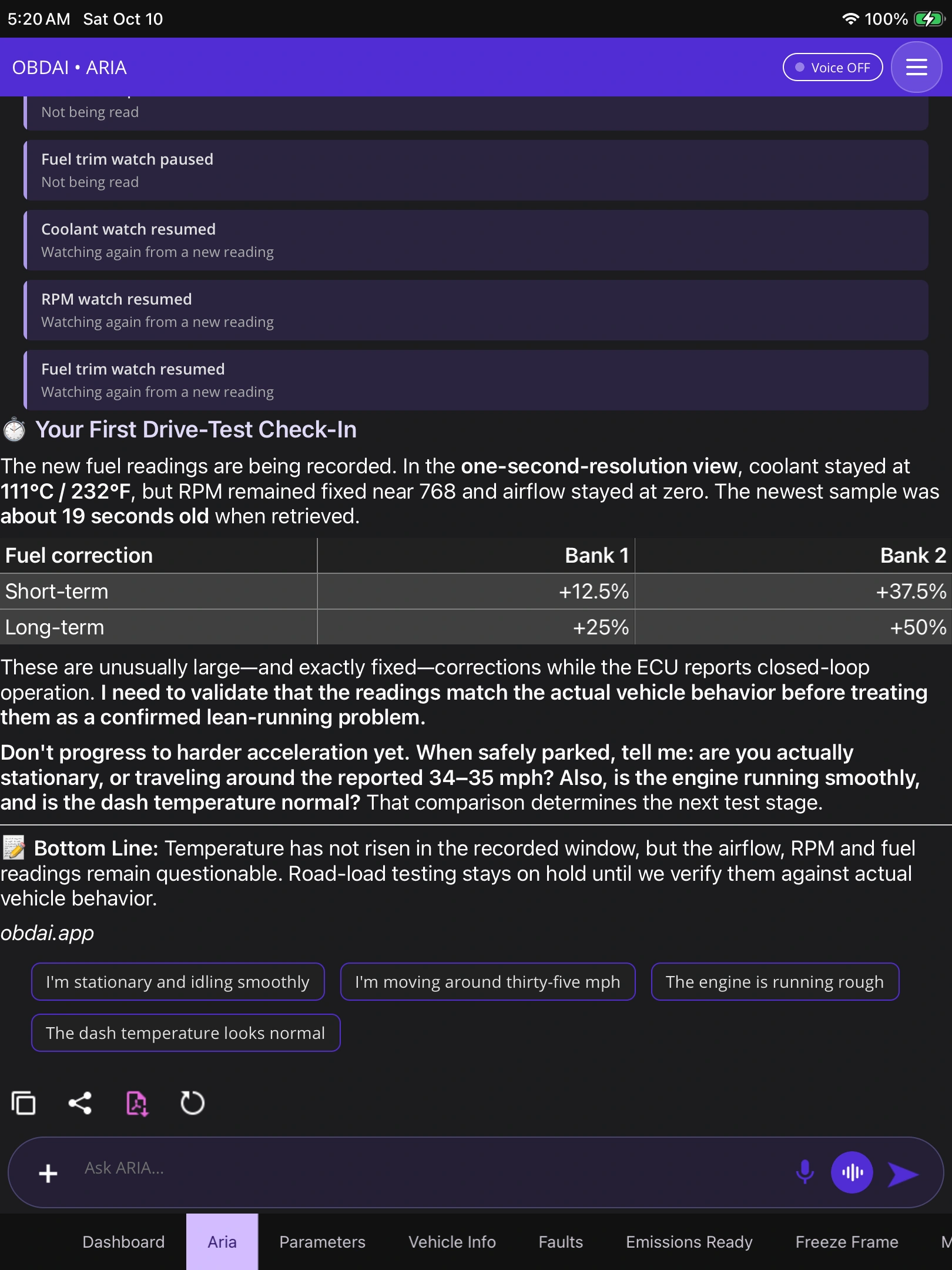
Tell her the complaint once. ARIA decides which of the 220 parameters matter, records them second by second for the whole drive, and pulls fresh readings herself when she needs them. No PID lists to build.

04

Judges whether the evidence counts

Before she trusts a result, ARIA checks the drive-cycle counters — has the vehicle run far enough since the last clear for these readings to mean anything? She calls out recently cleared codes, the check that pays for itself on a pre-purchase inspection.

05

Remembers the vehicle

She carries each vehicle’s record forward — what was found, what was repaired, what the customer declined — and compares the same monitor across drives to show which way it is moving. She listens hands-free while you work, and asks for a photo when seeing beats describing.

06

Writes up something billable

ARIA writes the conclusion, not a data dump. Premium: a shareable AI diagnostic report. PRO: a customer-ready document under your shop’s branding, with the repair estimate and maintenance schedule she assembles from the same evidence.

As of 2.6, ARIA works across every module. She reads fault codes, live data and emissions readiness from every computer that answers — transmission and ABS included, not just the engine — across all 19,216 standard fault codes.

Choose Your Level

Your shop's VCI, now with ARIA.

OBDAI Ultra works with Windows J2534-compatible interfaces. On a phone or tablet? Premium and Pro run with the GEN2 wireless adapter, and every plan includes a shipped GEN2. Cancel anytime.

OBDonUDS is included with PRO and Ultra.SAE J1979-2 runs on the GEN2 adapter with PRO, and through your Windows J2534-compatible interface with Ultra.
See OBDonUDS requirements →
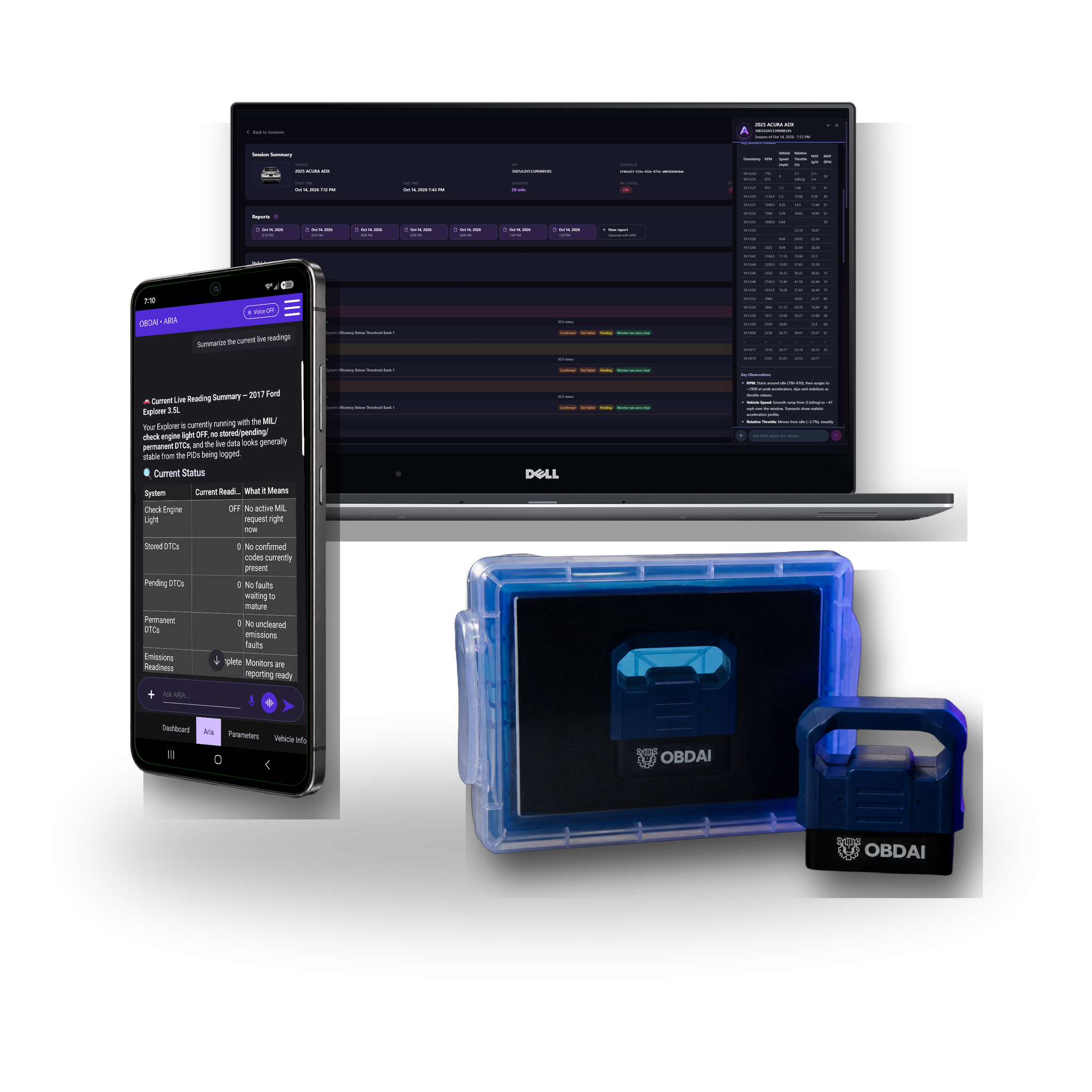
New · J2534 OBDAI Ultra: a Windows laptop running OBDAI's live gauges, live graphs and ARIA, connected by USB to a J2534 VCI with its OBD-II cable, beside the included OBDAI GEN2 wireless adapter. The VCI and Windows PC are not included.
ULTRA
Your J2534 VCI on Windows
OBDAI Ultra works with Windows J2534-compatible interfaces.
$41.58/moFirst-year monthly equivalent · annual plan
$499 billed annuallyYour first year, everything in Pro, and a shipped GEN2 wireless adapter.Then $365/year on renewal, service only.
Cancel renewal anytime.
  • ARIA through your J2534 interfaceCompatibility across manufacturers through the J2534 04.04 and 05.00 standards.
  • More room to diagnose10 deep diagnoses a month, plus higher limits for watches, check-ins and follow-ups.
  • Ready for upcoming OEM parametersSome upcoming manufacturer-specific parameters will require J2534.

VCI and Windows PC not included. Manufacturer’s Windows J2534 driver required. Windows 10 or 11 (64-bit). One movable Windows J2534 seat per account.

Best for DIY OBDAI Premium + GEN 2 BundleView details →Tap for details →
Premium
Full AI Power
GEN 2 pro-grade hardware + 1 year Premium. 2× faster, rock-solid iOS connections.
The complete solution for independent mechanics & serious DIY.
★★★★★ 4.75 / 5
$149.99
Includes GEN 2 scanner + 12 months Premium.
Then less than $10/mo, billed annually. Cancel anytime.
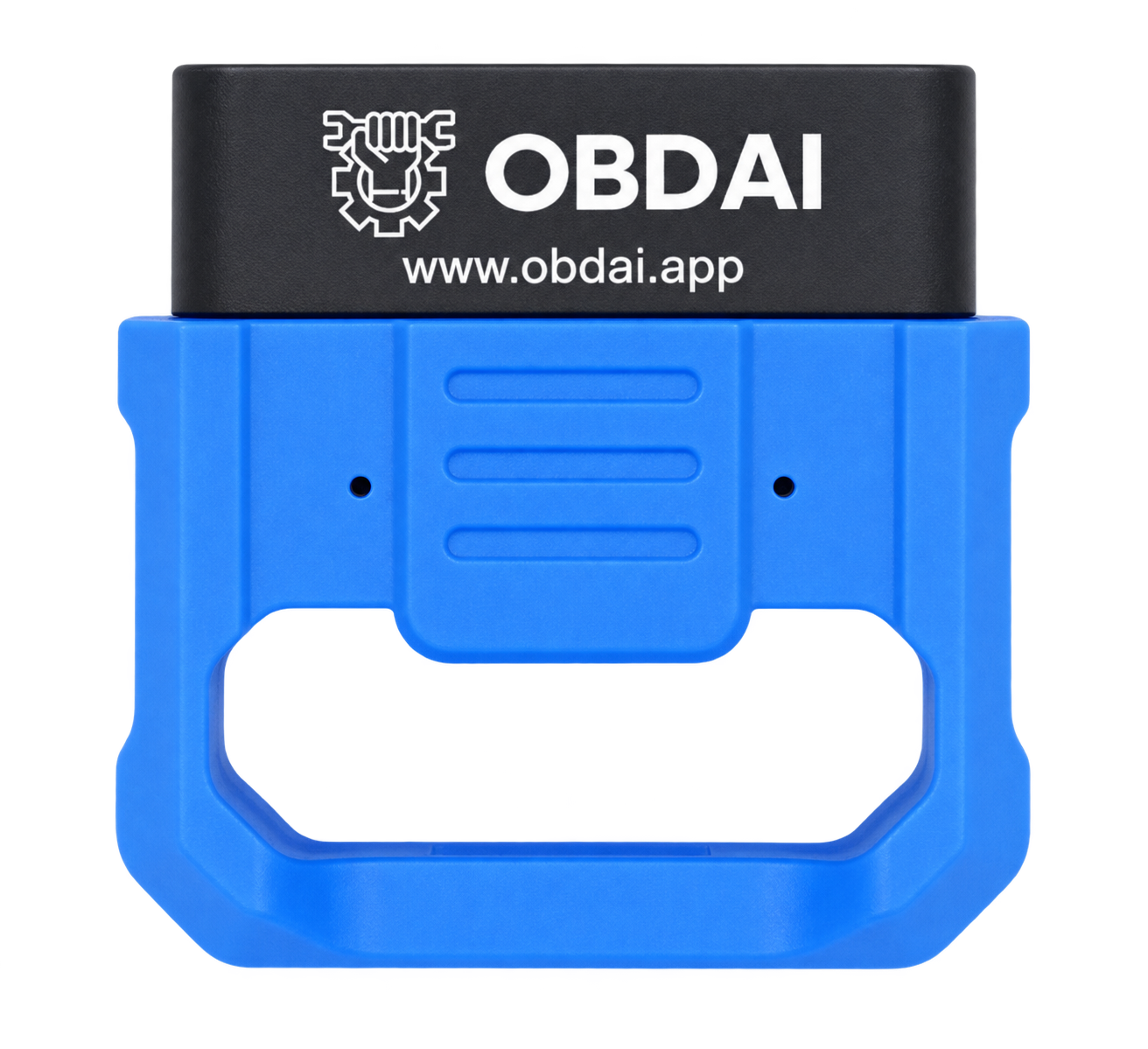
GEN 2 BLE 5.0 Scanner Included
  • Full SAE J1979 diagnostics — codes, live data, Freeze Frame, Mode 6 and readiness
  • ARIA AI — voice, photos and autonomous data selection
  • Persistent vehicle memory — ARIA remembers your car
  • Shareable reports + read-only browser history
  • GEN 2 BLE 5.0 — up to six compatible sensor readings per exchange
  • Recalls, vehicle comparison and EU VIN decoding
  • Runs on iOS, Android and Windows
For Shops OBDAI PRO BundleView details →Tap for details →
PRO
Run Your Shop On It
One diagnostic job pays for the year. Branded reports, web dashboard, vehicle intelligence for your shop.
Pro: phone and tablet with the GEN2 wireless adapter. Ultra adds J2534 on Windows.
OBDonUDS included with PRO
★★★★★ 4.75 / 5
$24.92/moFirst-year monthly equivalent · annual plan
$299 billed annuallyIncludes a GEN2 scanner and 12 months of Pro.Then $265/year on renewal, service only.
Cancel renewal anytime.
  • Full SAE J1979 diagnostics + OBDonUDS for SAE J1979-2
  • ARIA in the app + interactive Web Chat Live
  • Interactive web dashboard with complete vehicle history
  • Unlimited custom shop-branded reports
  • AI Report Editor — edit with plain English
  • Repair estimates + maintenance recommendations
  • Market value, title and auction history

Built for the next visit

ARIA remembers every vehicle.

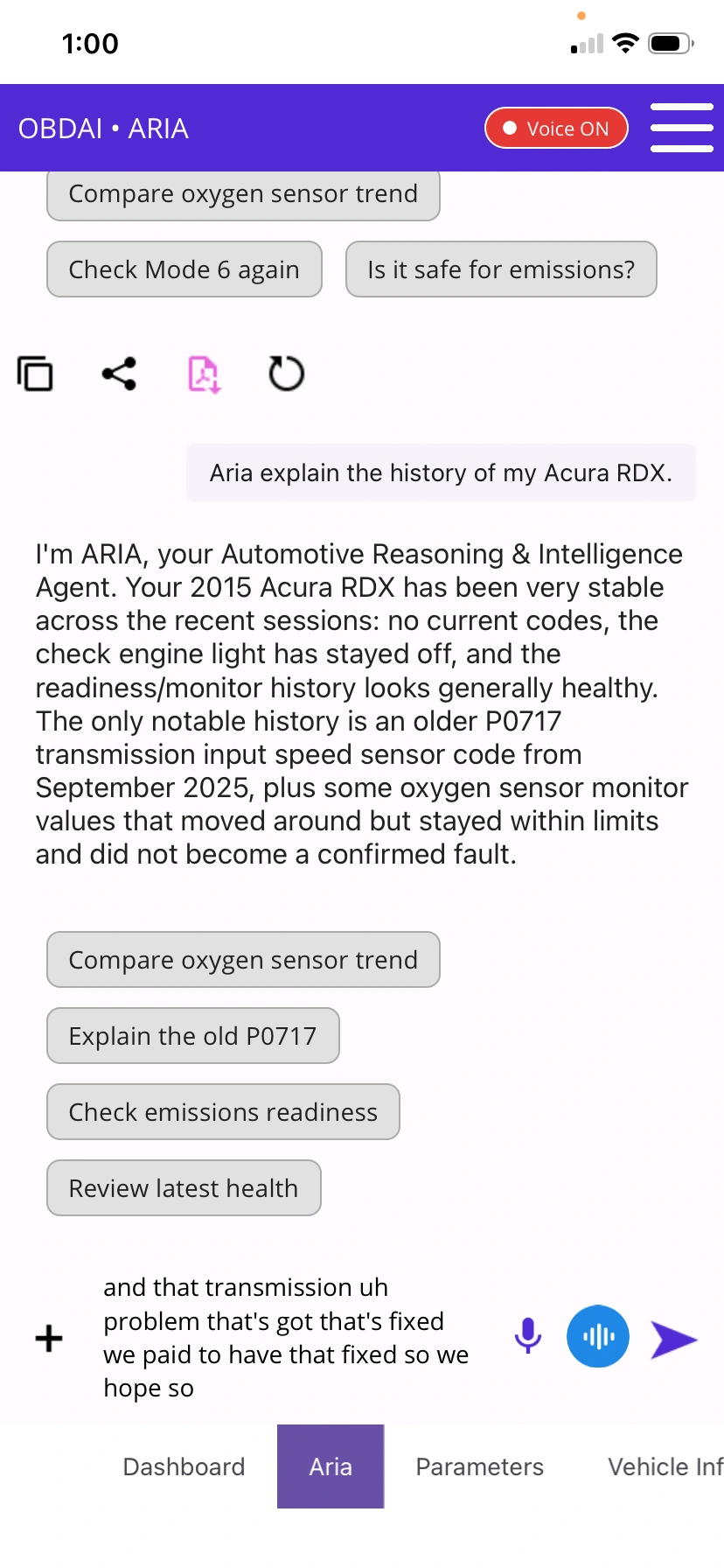
Same customer comes back six months later? ARIA already knows what you found, what they declined, and what to check next.

From checkout to your first diagnosis

Ready to get started.

Free U.S. shipping on all bundles. International shipping is a flat $14.99. Instant software activation means you can start before your hardware arrives.

Earn with OBDAI

Get paid to spread the word.

Know someone who should go PRO? Turn your OBDAI recommendation into a reward.

Become an affiliate

Work Process

How It Works

01

Download the app

02

Connect device

03

Ask Questions

All in one app

Why Choose OBDAI

ARIA: The First Automotive AI Agent

Other apps read codes and tell you what they mean. ARIA actually diagnoses. Powered by the most advanced AI models available, it autonomously selects sensors, analyzes live data, and keeps testing until it finds the root cause. Not a lookup tool. Not a chatbot bolted onto a scanner. A real AI mechanic that thinks.

Diagnostics That Learn

ARIA remembers your vehicle and tracks how readings change over time. It asks the right follow-up questions, guides you through test drives, and explains repairs in plain English with embedded videos. Every scan makes it smarter. This is the diagnostic process professionals use — now running autonomously on your phone.

User testimonials

Some of
Our User Reviews