
OBDAI Ultra works with Windows J2534-compatible interfaces. On a phone or tablet? Premium and Pro run with the GEN2 wireless adapter, and every plan includes a shipped GEN2. Cancel anytime.
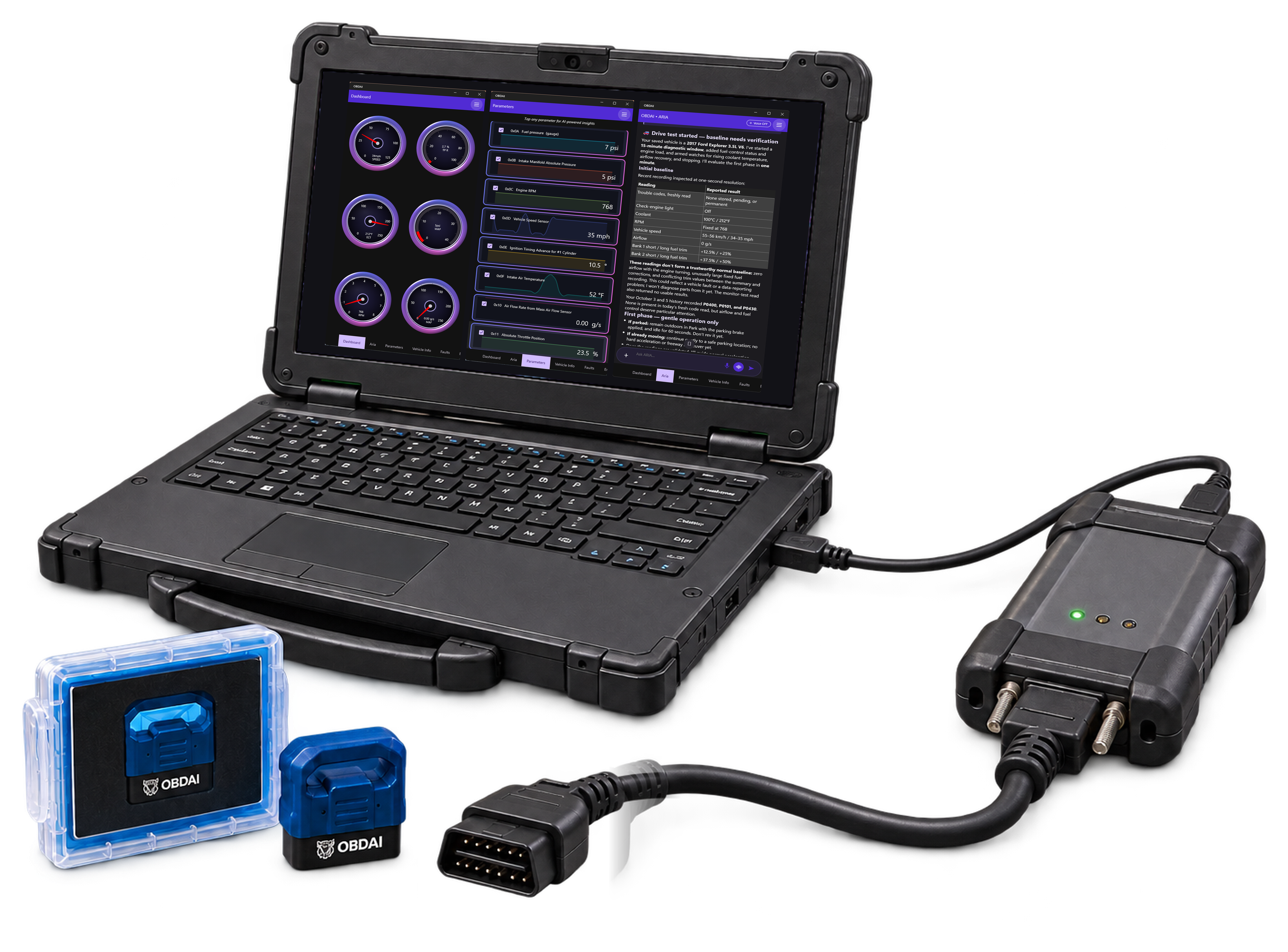
VCI and Windows PC not included. Manufacturer’s Windows J2534 driver required. Windows 10 or 11 (64-bit). One movable Windows J2534 seat per account.
View details →Tap for details →
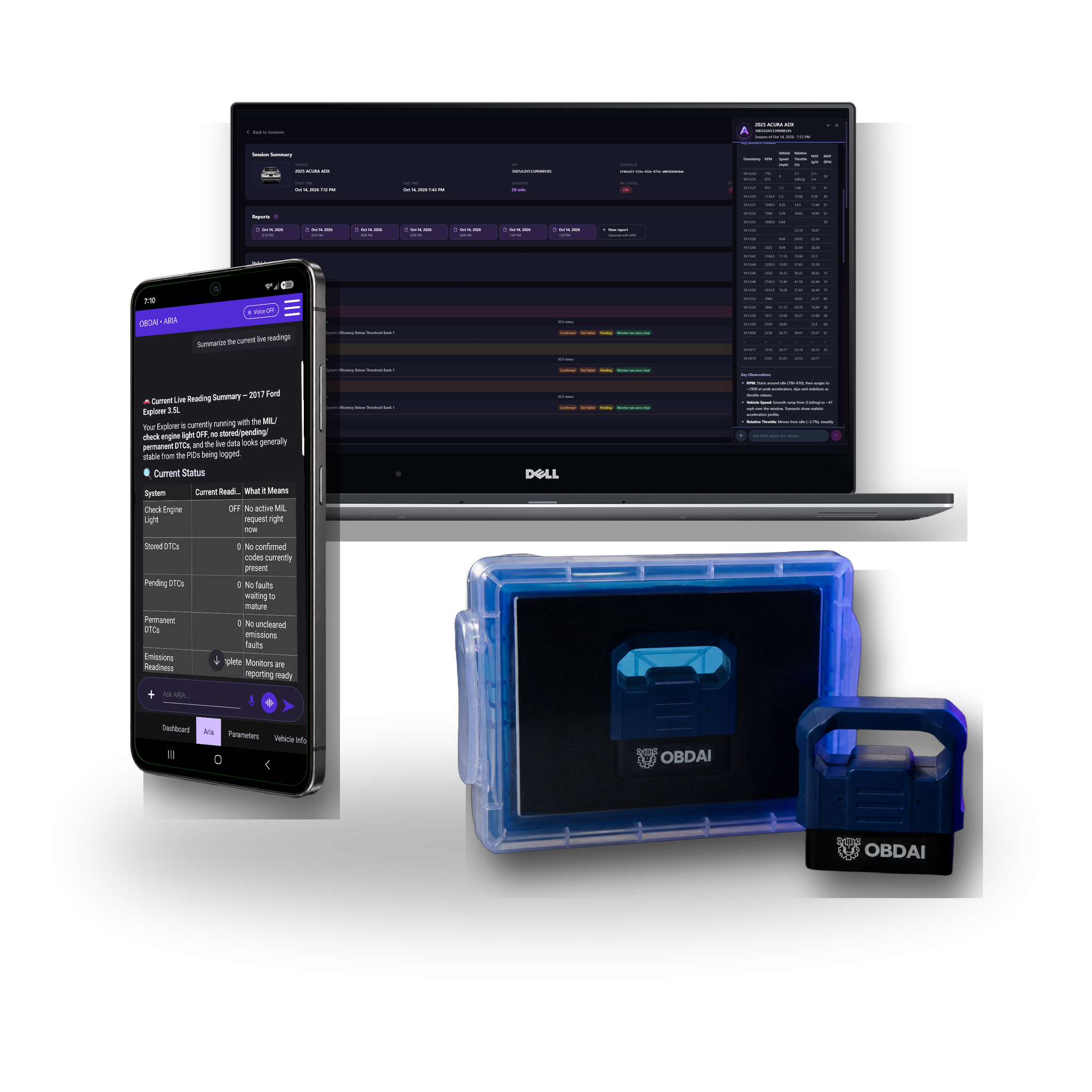
ARIA remembers every car you've ever scanned. · Same customer comes back 6 months later? ARIA already knows what you found, what they declined, and what to check next. · No other scan tool does this.
U.S. orders: Ship within 1–2 business days. Delivery typically takes 3–5 business days via USPS.
International orders: Ship within 1–2 business days. Delivery typically takes 7–14 business days depending on destination. Tracking is provided.
Import duties, VAT, and customs fees (if any) are the customer's responsibility.
Direct orders (obdai.app/shop): 30-day return window. Hardware includes a 1-year limited warranty.
Amazon orders: Follow Amazon's return policy.
App-store purchases: Manage billing and subscription changes through the Apple, Google, or Microsoft account used to purchase.
Prepaid licenses: Amazon and direct OBDAI purchases before June 6, 2026 provide one year from activation (365 days), do not auto-renew, and receive expiration reminders.
Direct OBDAI subscriptions purchased on or after June 6, 2026: Manage recurring billing at My Account → Subscriptions with your OBDAI store login and password, separate from your app login.
A bundle includes hardware. See your selected product for the included plan.
App-store purchases: Manage billing and subscription changes through the Apple, Google, or Microsoft account used to purchase.
Prepaid licenses: Amazon and direct OBDAI purchases before June 6, 2026 provide one year from activation (365 days), do not auto-renew, and receive expiration reminders.
Direct OBDAI subscriptions purchased on or after June 6, 2026: Manage recurring billing at My Account → Subscriptions with your OBDAI store login and password, separate from your app login.
Canceling a recurring subscription stops future renewal; access continues through the paid term. Prepaid licenses have no automatic renewal to cancel.
No. An active bundle entitlement covers its included plan; you do not need an additional app-store subscription for the same coverage.
Activating a license does not cancel existing billing. Check your active coverage and receipts before canceling any recurring subscription you no longer want through its billing store. A prepaid license does not itself create recurring charges.
OBDAI works with most OBD-equipped passenger vehicles, but exact coverage depends on market, model year, protocol, and the data each vehicle exposes. Some 2025 and 2026 vehicles already use SAE J1979-2 OBDonUDS; OBDAI reads it with either GEN2 with PRO, or a Windows J2534-compatible interface with Ultra.
Your Premium bundle includes:
• GEN2 wireless OBD-II adapter
Ultra orders also ship the GEN2 wireless OBD-II adapter. Your J2534 interface and Windows PC are not included.
Your license code is emailed immediately after purchase — so you can start using Premium right away, even before the hardware arrives. Amazon orders also include a physical license sticker on the packaging.
For setup instructions, see our Getting Started guide.
Three steps:
1. Download OBDAI and sign in
2. On Android or Windows, open the menu, choose Upgrade, then “Yes, I have a code”
3. On iPhone or iPad, activate through obdai.app/quickstart because Apple does not allow in-app code entry
Your Premium access activates immediately across all your devices.
Yes — all of them. Sign in with the same account on your phone, tablet, and laptop. Premium syncs automatically across iOS, Android, and Windows.
One purchase. Every device you own.
Yes. The license code can be activated by anyone on their own device. Just give them the code — they redeem it, they get Premium.
This makes OBDAI bundles ideal for gifts, or for businesses purchasing codes for employees or fleet vehicles.
A Windows 10 or 11 (64-bit) PC, the OBDAI app, a J2534 interface with its manufacturer's Windows driver, and your Ultra license key.
Yes. Vehicle diagnostics and recording work offline after activation. ARIA and cloud services need internet.
Yes. Sign in to the same OBDAI account on the other PC and confirm the move. You can switch PCs whenever you need to; an active diagnostic session keeps running.
Use your J2534 interface with OBDAI on Windows. On iPhone, iPad or Android, use the included GEN2 adapter with the Pro features included in Ultra.
Some upcoming manufacturer-specific parameters will require a compatible J2534 interface. Others will also be available through GEN2. A suitable J2534 interface can access the additional vehicle networks those parameters use.
Ultra provides diagnostics and ARIA analysis. Use your OEM programming software with your VCI for module programming or reflashing.
OBDAI Ultra works with Windows J2534-compatible interfaces. OBDAI implements the J2534 04.04 and 05.00 standards, so compatibility extends across manufacturers.
Examples include Bosch Mastertech, CarDAQ, GM MDI and MDI 2, Ford VCM II/3 and VCMM, Honda/Acura MVCI, Mongoose and Toyota Techstream Lite, Snap-on Pass Thru Pro, Matco MDMaxBox/MaxSync, DENSO, DG VSI, Autel MaxiFlash, LAUNCH SmartLink and TOPDON RLink. Your interface does not need to be on this list: J2534 compatibility is what matters. Install your interface manufacturer's Windows J2534 driver and select J2534 in OBDAI.
Use the J2534 interface you already own. Ultra also includes a shipped GEN2 wireless adapter for your phone or tablet. A J2534 VCI and Windows PC are not included.
"Finally found an OBD2 scanner that actually works with my 2018 F-150. The AI diagnostics are incredible - it doesn't just show codes, it explains what's wrong in plain English and shows me exactly where to look under the hood. Saved me $200 at the dealer just last week when it diagnosed a faulty oxygen sensor. The bundle made setup foolproof"
Mike Rodriguez
"I run a small shop and this bundle has paid for itself ten times over. The AI doesn't just read codes - it gives me repair estimates, shows me exactly which parts to order, and even suggests the most cost-effective fix order when there are multiple issues. Had a customer's BMW with three different fault codes, and OBDAI told me which one was the root cause. Fixed it in 20 minutes instead of spending an hour chasing shadows. My customers love that I can show them the problem on screen with actual photos."
Dave Thompson Thompson's Automotive