
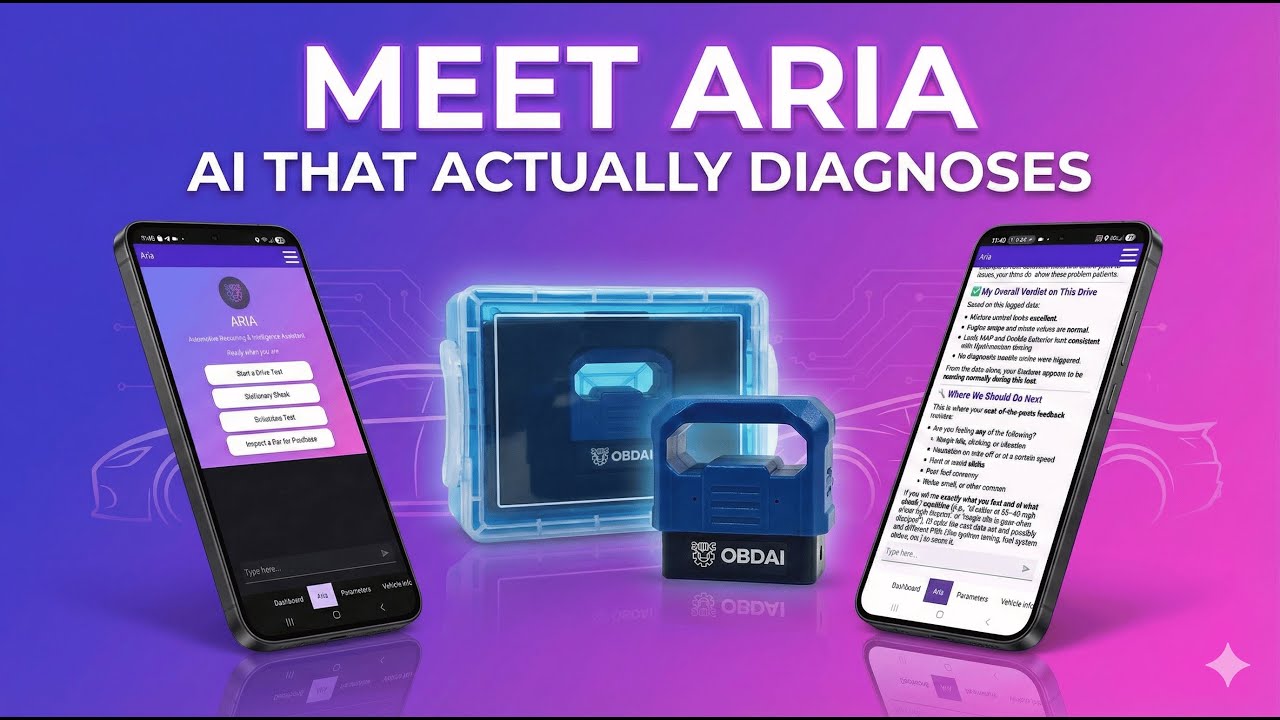
December 2025 Update
Why ARIA™ is the first — and only — Automotive AI Agent
Most OBD scanners simply read codes and leave you searching forums for answers. The OBDAI AI Agent changes everything by turning raw data into actionable insights through natural conversation.
But surprisingly, many users haven’t discovered this game-changing capability yet.
Here’s the critical difference most people miss:
“AI-assisted” scanners = code lookup tools with a chatbot bolted on. They explain what P0171 means. That’s it.
ARIA, the Automotive AI Agent = an autonomous diagnostician that designs tests, monitors live data, and reaches conclusions. It tells you what’s actually wrong.
ARIA is the only product in the second category. That’s not marketing — it’s a fundamental difference in how the system works.
The AI Agent isn’t just another chatbot — it’s a sophisticated system that actively monitors your vehicle’s data patterns and can discuss them with you in plain English.
ARIA doesn’t wait for you to ask the perfect question. It decides what needs to be tested. It selects the relevant sensors. It monitors live data under real conditions. And when the evidence is sufficient, it reaches a conclusion.
Ask ARIA “What’s wrong with this car?” and you get an answer. Not five possibilities. Not “consult a professional.” The answer.
Whether you’re a professional mechanic or someone who barely knows where the dipstick is, ARIA adapts to your knowledge level. Simply tell it “I’m a beginner” or “I’m a professional mechanic” and watch how it adjusts its explanations.
The AI Agent doesn’t just look at trouble codes in isolation. It analyzes relationships between multiple sensor readings to identify the root cause of issues.
“Hey ARIA, my car feels sluggish when accelerating.”
“I’ve noticed your fuel pressure drops slightly during acceleration while your MAF sensor readings are higher than expected. This pattern suggests a potential fuel delivery issue rather than an ignition problem. Let me pull fresh data while you drive to confirm.”
With every drive and every conversation, ARIA’s understanding of your specific vehicle improves. The more you use it, the smarter it gets at predicting potential issues before they become serious problems.
Race Mode lets you track live data in real-time with 6 fullscreen gauges — Speed, RPM, Throttle, Coolant Temp, MAP, and Mass Air Flow. Turn your phone sideways and get professional-grade monitoring at your fingertips.
This isn’t a snapshot. ARIA watches data in motion — while driving, while idling, while testing.
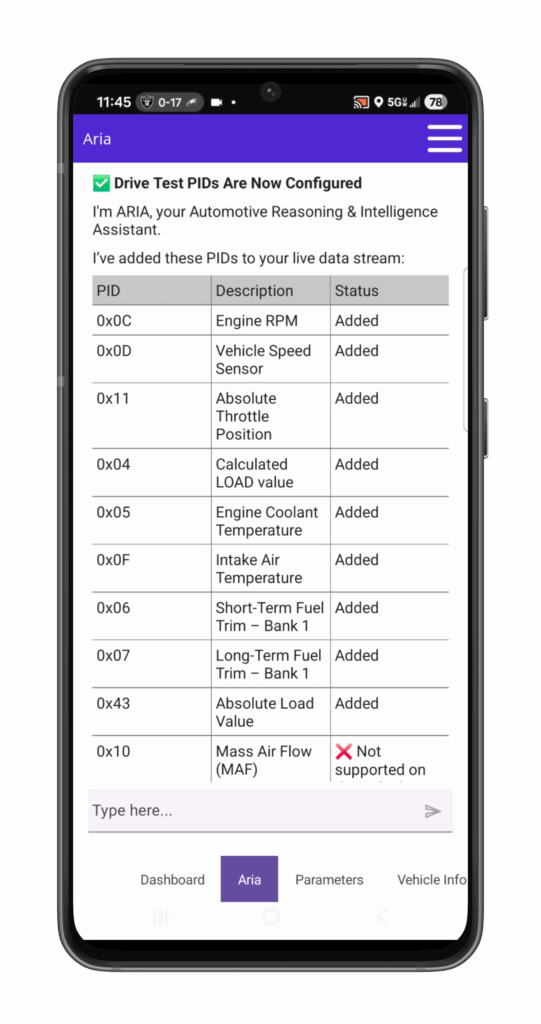
Ask “What’s my fuel trim doing right now?” and ARIA pulls fresh data on the spot. Mid-conversation. No restart required. Premium users get the new Agent Edition PID Control — ARIA can autonomously select which PIDs to monitor based on your diagnostic needs, with your approval before activation.
To legitimately call itself AI, an automotive diagnostic system must deliver ALL five of these capabilities:
| Pillar | What It Means | Why It Matters |
|---|---|---|
| Continuous Monitoring | Race Mode — watches data in motion | Static snapshots miss 90% of real issues |
| Re-Scan on Demand | Fresh data mid-conversation | Stale data leads to wrong diagnoses |
| Trend Analysis | Compares today to last week | Catches drift before failure |
| Whole-Vehicle Synthesis | Correlates ALL sensors together | Your car is a system, not isolated parts |
| Natural Conversation | GPT-5.1 powered dialogue | Talk like you’re talking to a mechanic |
Miss even one, and it’s not Real Automotive AI. It’s automation pretending to be intelligence.
Here’s our quick guide to unlocking the full potential of your AI mechanic:
Take a test drive with symptoms present — A quick 10-15 minute drive, especially when your vehicle is exhibiting symptoms, gives ARIA valuable data to analyze.
Ask open-ended questions — Instead of “What does P0300 mean?” try “Can you help me understand why my engine is misfiring?”
Tell it about changes — Mention recent repairs, modifications, or even weather changes that might be relevant.
Challenge it — If you disagree with its assessment, explain why! This helps ARIA refine its understanding.
Tap any trouble code — In v2.06, tapping any DTC opens a conversation with ARIA pre-loaded to explain that specific code in context.
Michael from Toronto was getting random stalling issues that three different mechanics couldn’t diagnose:
“I was about to give up when I decided to try the OBDAI AI Agent. After analyzing my driving data, it suggested my alternator was failing intermittently under specific load conditions. It was right! No other scanner could identify this pattern.”
Jamie, a professional mechanic, uses OBDAI alongside expensive professional equipment:
“What surprised me most was how the AI Agent could correlate subtle variations across multiple systems that my $5,500 professional scanner simply reported as ‘within spec.’ It’s like having a second opinion from a colleague who’s been working on this exact model for decades.”
Next time you connect OBDAI, try asking the AI Agent questions like:
The days of deciphering cryptic codes and technical jargon are behind us. With OBDAI’s AI Agent, vehicle diagnostics becomes an actual conversation about your specific car, its unique patterns, and what they mean for you.
It’s like having a master mechanic in your pocket who knows your vehicle intimately and can explain everything in terms you understand.
Have you tried having a conversation with your AI Agent yet? We’d love to hear about your experience in the comments below!
Ready to start talking with your car? Open your OBDAI app and tap the “AI Agent” button in the bottom navigation bar.
Don’t have OBDAI? Download it here for iOS, Android, or Windows!
