Short answer: OBDAI decodes 150+ standard OBD2 parameters — engine data, fuel system, O2 sensors, emissions, turbo/boost, diesel-specific PIDs, and one hybrid PID. Your vehicle determines which PIDs are available; we decode whatever your car supports. How This List Works This shows what OBDAI can decode — not what your car supports. Think of it […]
Short answer: OBDAI Premium can be purchased through app stores or as a hardware bundle from our shop. Both are annual subscriptions that auto-renew, both can be canceled anytime, and both unlock the same Premium features across all your devices. At a Glance What is OBDAI Premium? Premium is our top tier — it unlocks […]
Short answer: How you cancel depends on where you bought. Bundle subscriptions (purchased at obdai.app/shop) are canceled in your account at obdai.app/my-account → Subscriptions. App store subscriptions (Google Play, App Store, Microsoft Store) must be canceled through that store — OBDAI can’t cancel those for you, and deleting your OBDAI account does NOT stop app […]
Short answer: Most connection issues come from three things: the adapter not being detected, the vehicle ignition being off, or platform-specific permission issues. This guide walks through each failure point systematically. Quick Checks First Before diving into specific issues, verify these basics: Adapter Not Appearing in Scan On All Platforms Adapter isn’t powered: Adapter name […]
Short answer: Go to the Faults tab in OBDAI. Your codes appear organized into three sections: Stored DTCs, Pending DTCs, and Permanent DTCs. Tap any code for AI-powered insights — causes, severity, and what to do next. To clear codes, pull down on the screen — but read below first. What Are Diagnostic Trouble Codes? […]
Short answer: You need an OBD-II adapter (Bluetooth, Wi-Fi, or USB), a smartphone or computer running OBDAI, and a 1996+ gasoline or 2004+ diesel vehicle. What You Need Hardware OBDAI requires an OBD-II adapter to communicate with your vehicle. The adapter plugs into your car’s OBD-II port (usually under the dashboard, near the steering column). […]

USB ELM327 Windows Setup: The Most Reliable Connection Method Setting up a USB ELM327 adapter with OBDAI on Windows provides the most stable and reliable connection for OBD2 diagnostics. Unlike Bluetooth adapters that can have range limitations, USB connections offer consistent performance and are perfect for desktop setups or workshop environments. The USB advantage: Direct […]

Setting up a Classic Bluetooth ELM327 adapter with OBDAI on Windows delivers the fastest OBD2 data speeds available. While BLE adapters are more common, Classic Bluetooth actually provides superior performance for Windows users who want lightning-fast diagnostic data. Here’s the surprising truth: Classic Bluetooth is faster than the newer Bluetooth Low Energy protocol when it […]
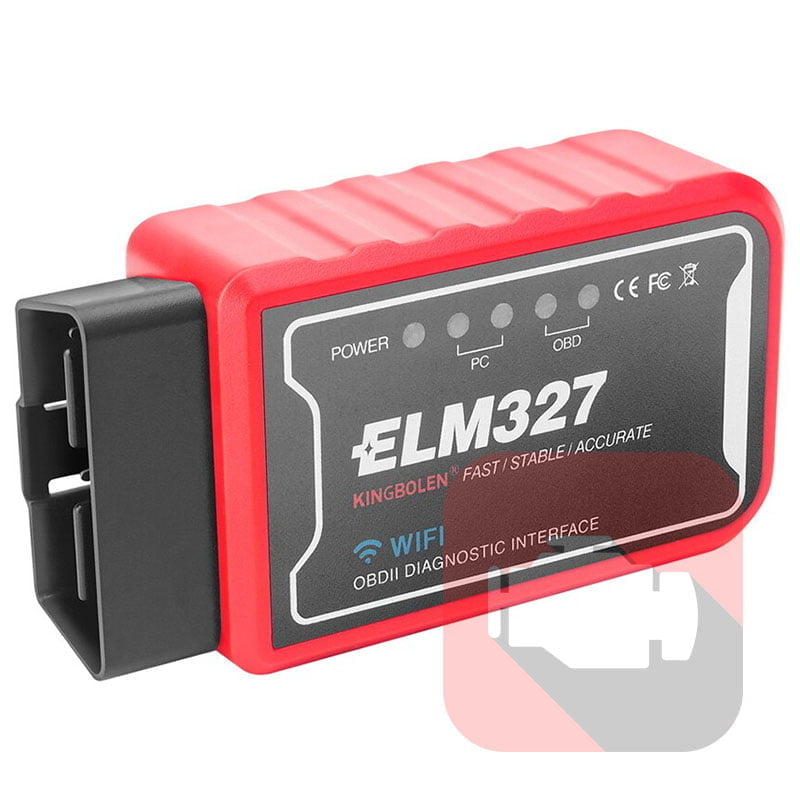
New Title: Classic Bluetooth Setup for AndroidOld Slug: /how-to-pair-a-bluetooth-3-0-elm327-device-on-windows-and-android/Categories: Getting Started, Connection & HardwareLast Updated: December 2025 Overview OBDAI handles Classic Bluetooth (BT 3.0) scanning and pairing entirely within the app. You don’t need to visit Android Settings first — everything happens in OBDAI. Looking for Windows setup? See our Complete Windows Setup Guide. Requirements […]
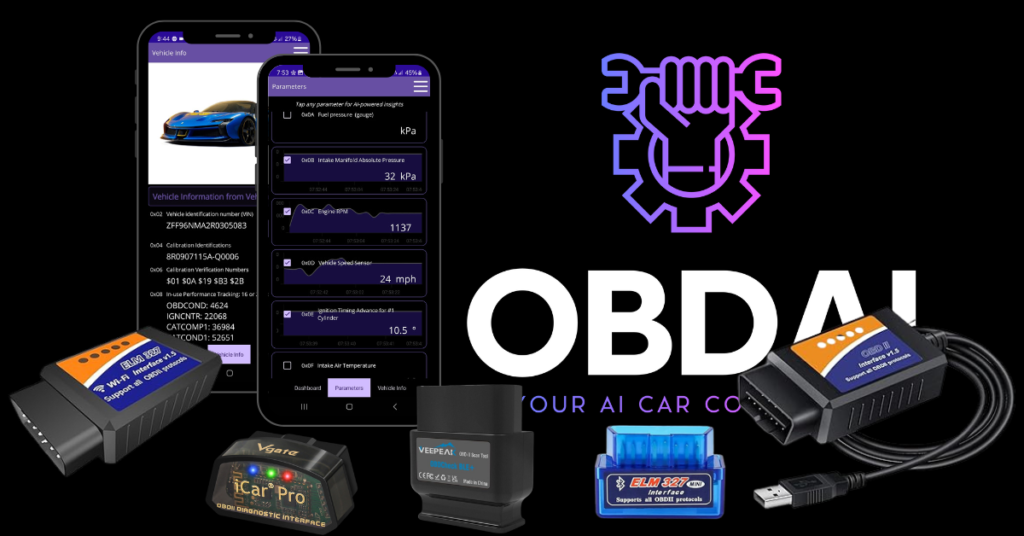
Supported Adapter Types Short answer: OBDAI works with any ELM327-based OBD2 adapter. Connection options vary by platform — Bluetooth LE works everywhere, Classic Bluetooth and WiFi work on some platforms, USB is Windows-only. Platform Compatibility Matrix Connection Type Windows Android iOS Bluetooth LE (BLE) ✅ ✅ ✅ Classic Bluetooth ✅ ✅ ❌ WiFi ✅ ✅ […]
